Software that reads the grain.
Every other cutlist tool treats a board as a plain rectangle. This one photographs your actual timber, matches the figure across the panel, and nests the cuts around it.
Open Grainwise
Every other cutlist tool treats a board as a plain rectangle. This one photographs your actual timber, matches the figure across the panel, and nests the cuts around it.
Open Grainwise
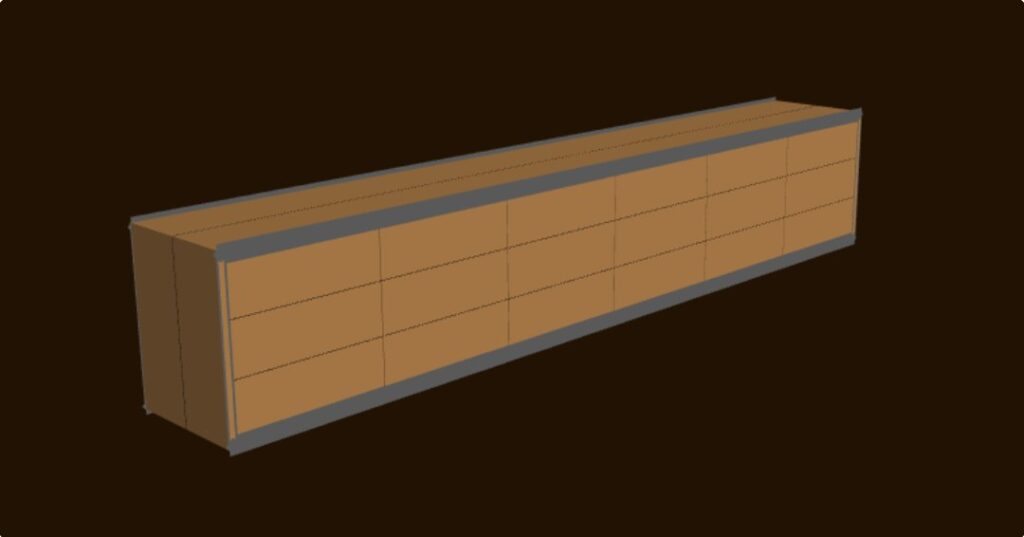
Cutlist optimisers were built for sheet goods, where one square metre is identical to the next. Solid timber isn’t like that. The board you cut a door front from decides whether the piece looks made or assembled — and no optimiser has ever been able to see it.
Import the design once, then step through it — and watch it turn from a drawing into the actual boards stacked in your rack.
The design as drawn — ovals, tapers and profiles shaped from the file’s own curve data.
Just the pieces you’ll actually make — panels as glue-up boards, laminated parts as their stacks.
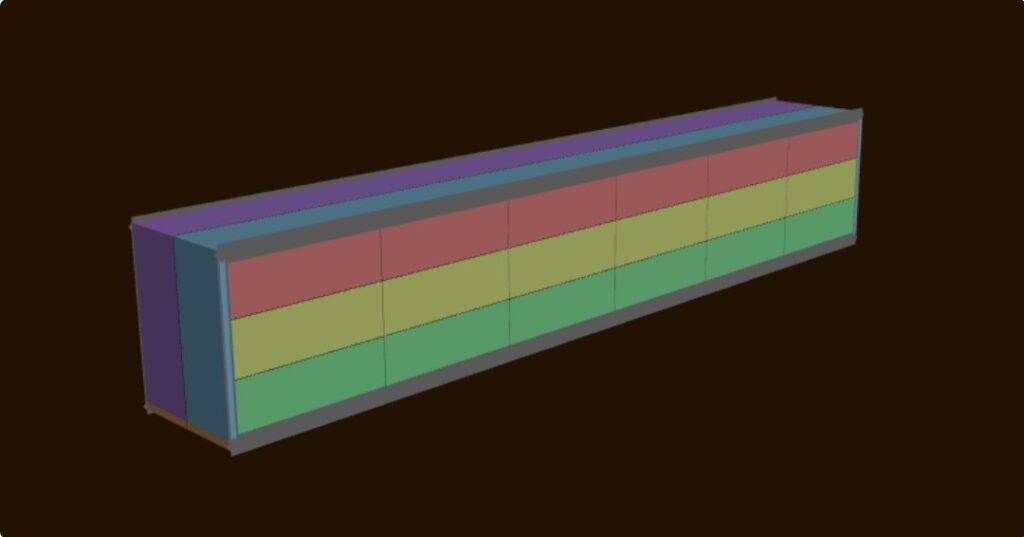
Colour-coded, so you can see at a glance which pieces run end-to-end out of the same board.
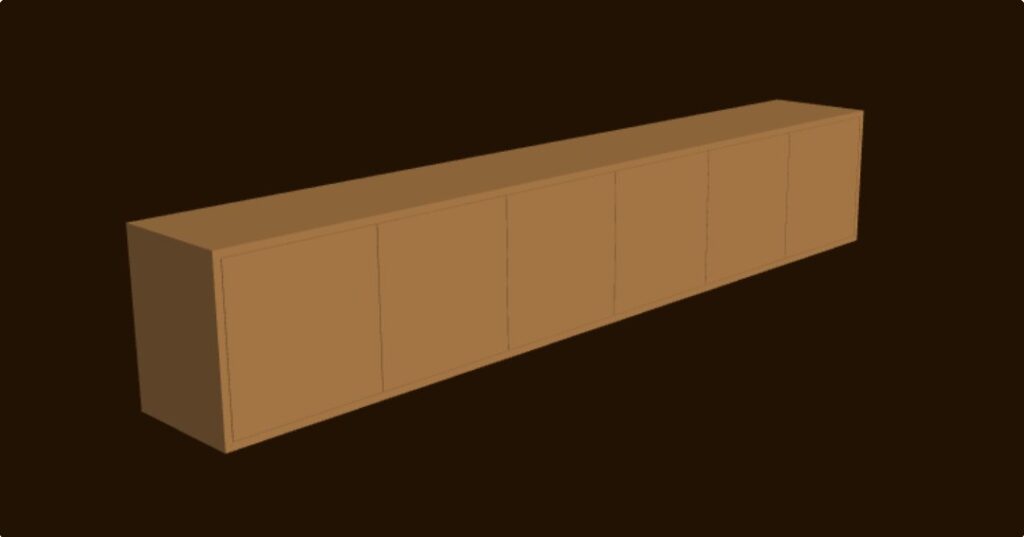
Every part wearing the real scanned wood it will be cut from.
That last one is your design, wearing your timber, before a single cut is made.
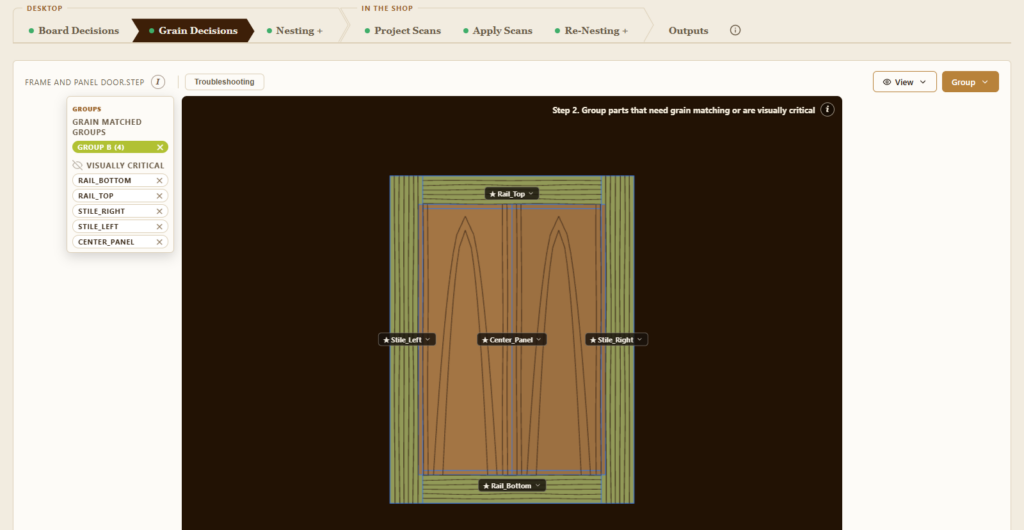
Lay out the figure across a panel before a single cut is made. Choose which board goes where, see how the grain will run across a door, a lid or a table top, and commit only when it looks right.
This is the part the software exists for. Everything else feeds it.
Stand over the board with a phone, lay a tape alongside it, and take a few photos. The app stitches them into one true-to-scale image of that specific board — then uses it for the grain matching.
Tested against a real 1515 mm board: accurate to around 0.3% on length and about a millimetre across the width.
We haven’t found another tool that photographs real timber and matches grain from it. If you know of one, tell us — we’d genuinely like to see it.
STL, OBJ or STEP. Parts come through with their real shapes — curves, arcs, tapers and lofted faces, read from the file’s own curve data rather than flattened to bounding boxes.
From there they drop straight into the grain matching with everything else in the job, which is what makes the four views above possible.
There’s a free SolidWorks macro that pulls a cut list straight out of a part file.
Solid timber and sheet goods, metric or imperial, grain direction respected. Import a cutlist from a spreadsheet or type it in. Drag any part where you want it, and padlock a board so the optimiser leaves your hand-placed pieces alone.
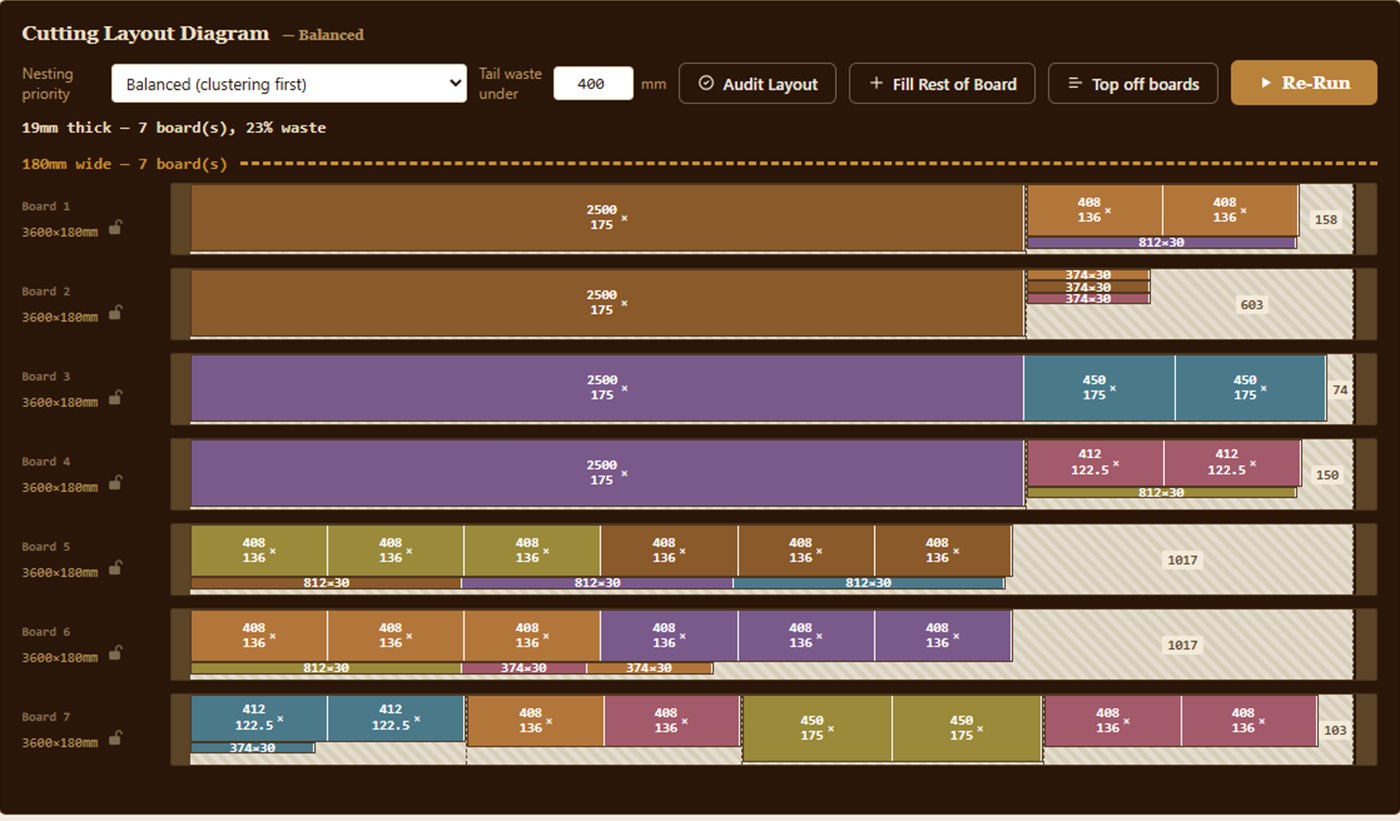
Every part carries its grain-match group through to the cutting list, so pieces that need to come off the same board stay together all the way to the saw. Waste is shown per board as it goes.
Good nesting is the price of entry. Nesting that respects the grain is the point.
Your first month is Pro, free, no card. Then pick a plan. Prices include GST; two months free on an annual plan.
A$20 a month or A$200 a year. Two projects, 200 MB of scans.
A$35 a month or A$350 a year. Unlimited projects, 2 GB of scans, the Timber Library – your stock on hand.
No install. Works offline in the shop, where the signal usually isn’t.
Whichever you think in. Switch at any time.
Every feature exists because a real job needed it.